Social and Open Graph cards
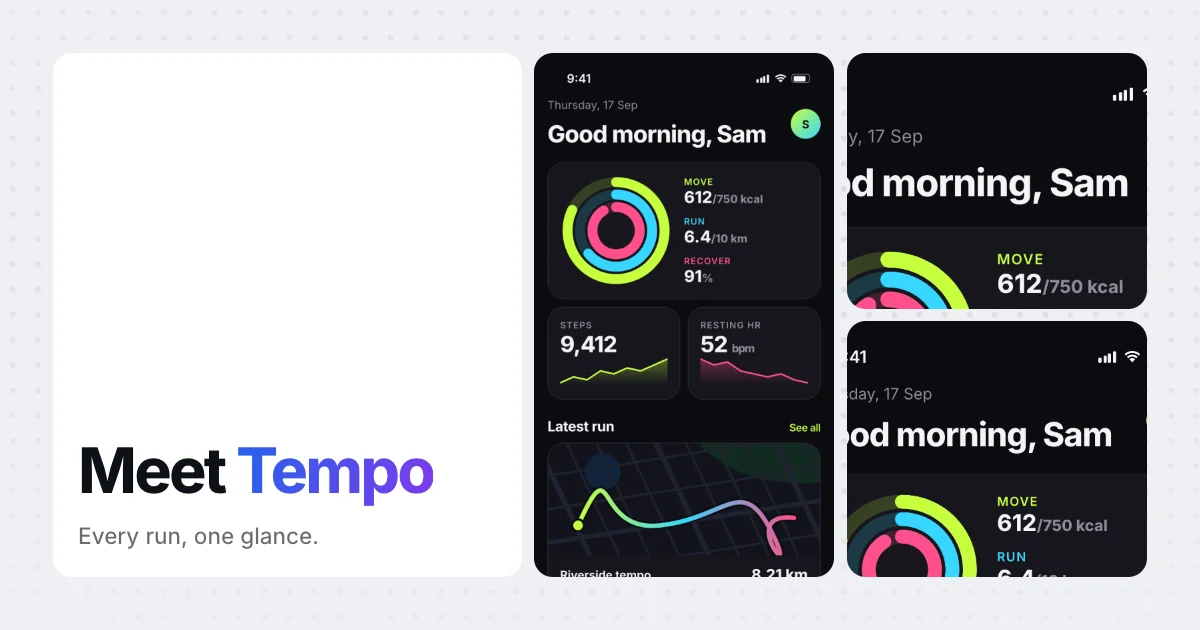
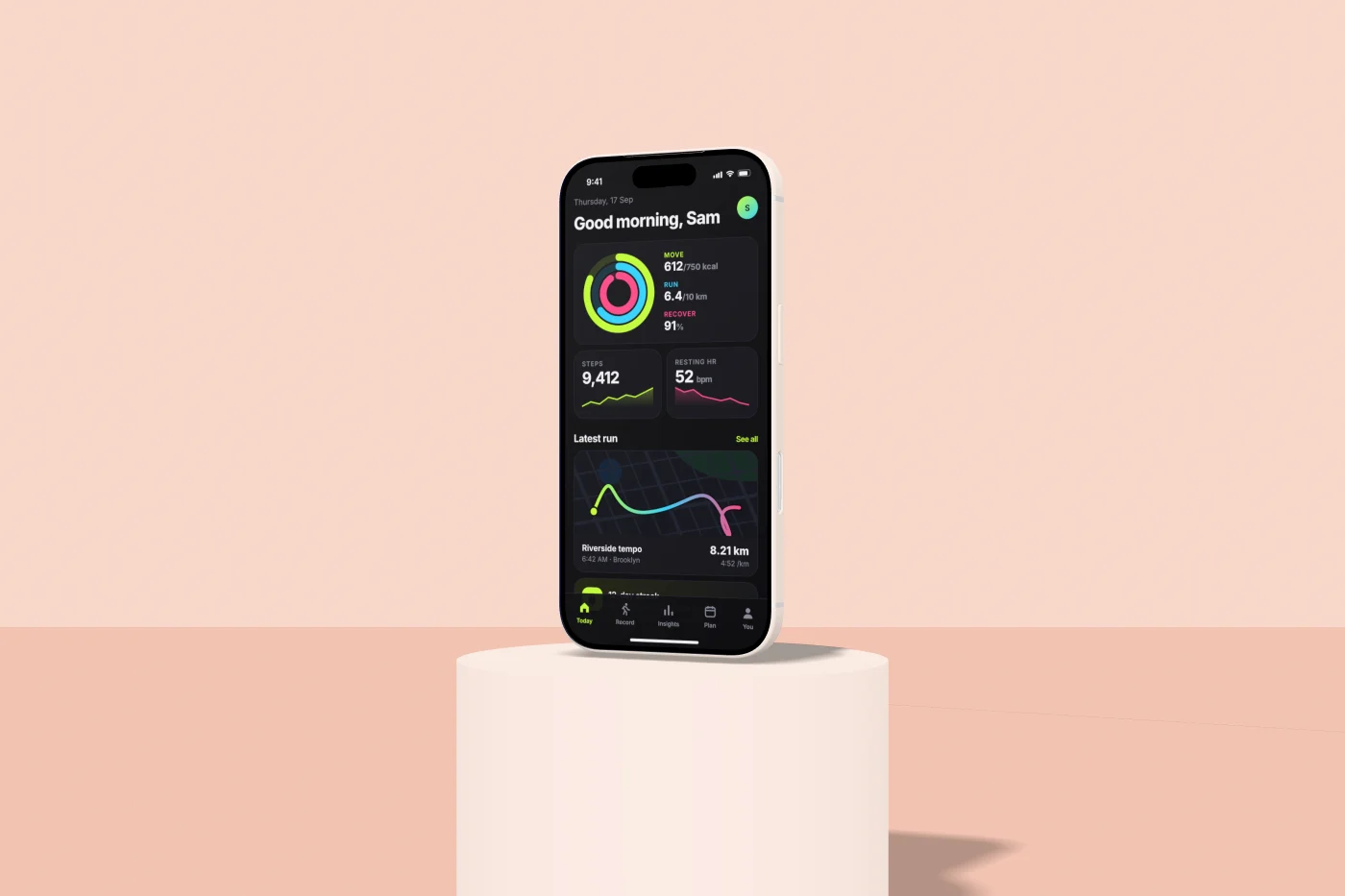
The link preview, the launch post, the story, and the 1024×500 Play feature graphic. Seven layouts, from a tilted phone on an aurora to a bento grid of screen crops.
A folder of screenshots goes in. App Store and Play sets, social cards, 3D device videos and mockups come out — built by your coding agent, on your own machine, for free.
claude plugin marketplace add imshaikot/app-preview-craft-skillclaude plugin install app-preview-craft@app-preview-craft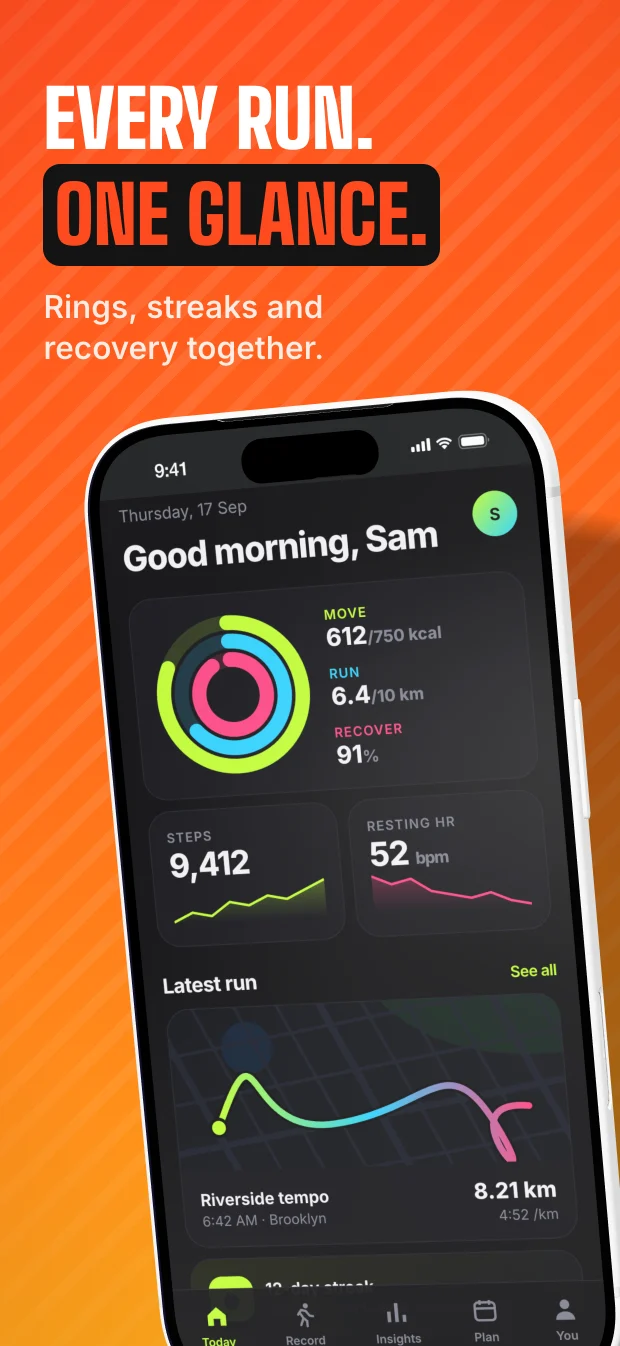
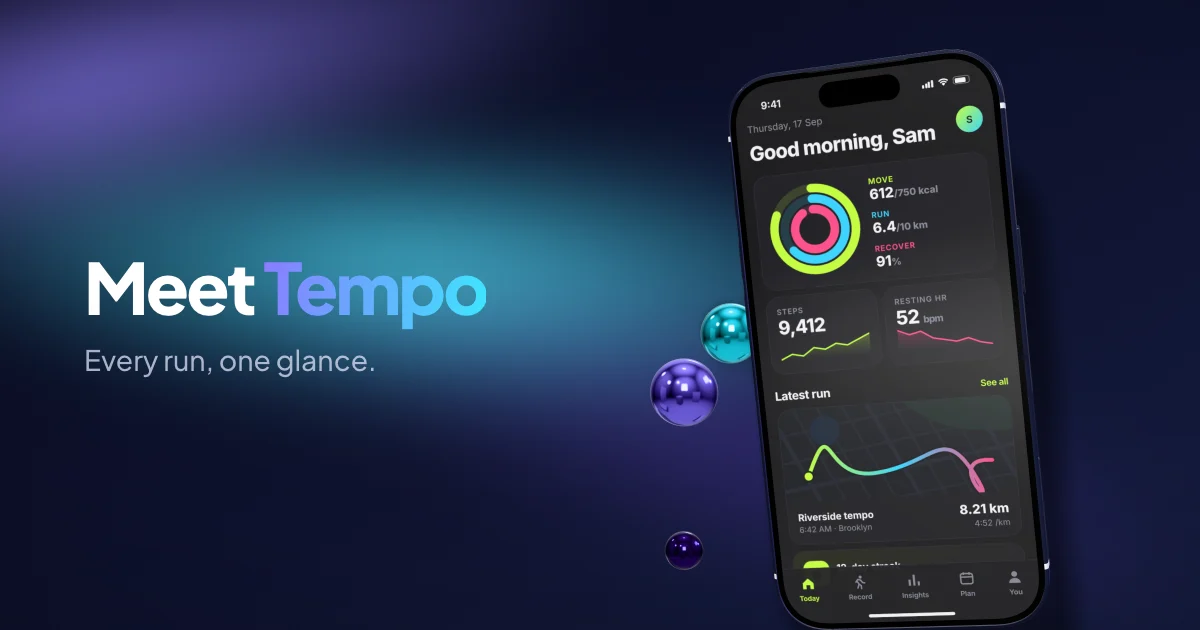
Every image and video on this page was rendered by the tool itself, from the sample app it ships with. Read the source.
Putting a screenshot on a device and setting a headline is a render. It takes seconds on the GPU you already own. What a subscription actually buys you is a template library and a server in the middle — and the plan that lets you automate any of it is reliably the priciest one.
Nothing is uploaded. No embargo to worry about, no third-party retention policy to read.
Render the full set for every locale and every device size as many times as you like.
It is a command-line tool. Put it in your release script, or just ask your agent for it.
The whole set re-renders from the new screenshots. That is the part that actually costs you time.
MIT licence · renders locally · no account
Published prices, checked September 2026.
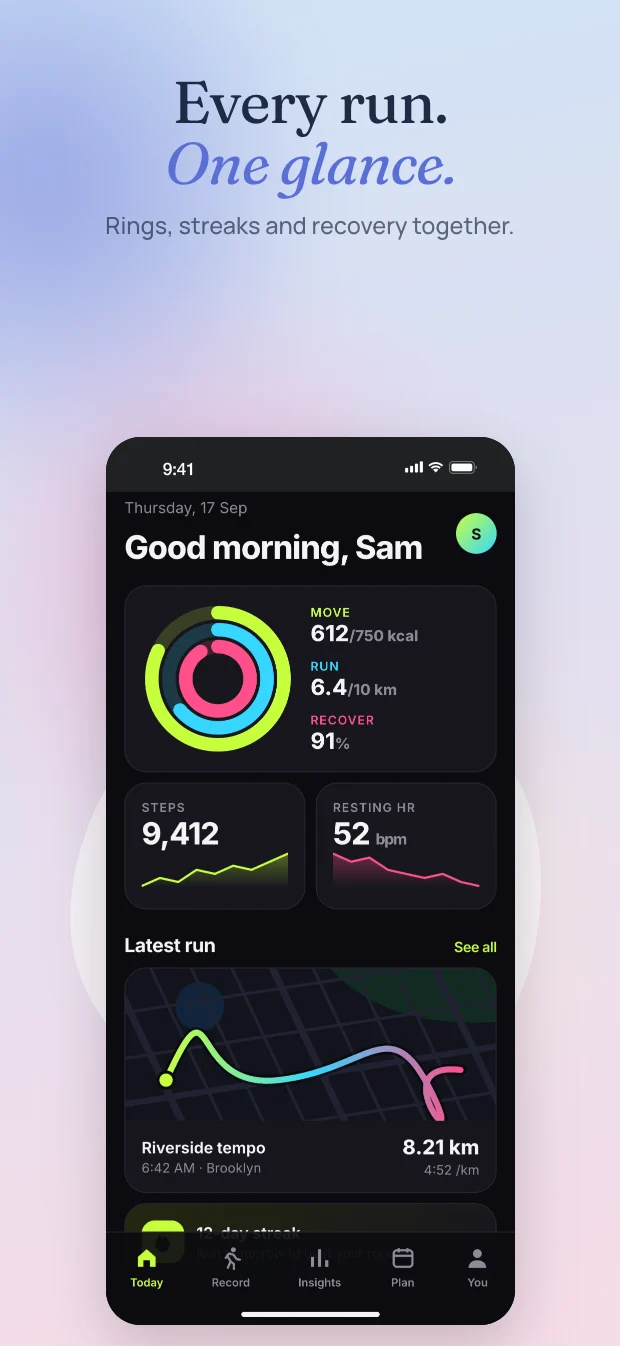
Store listings want a sequence. Give it five screenshots and a headline each, and it renders the whole run at every size you asked for, plus a contact sheet so you can check the set reads in order.
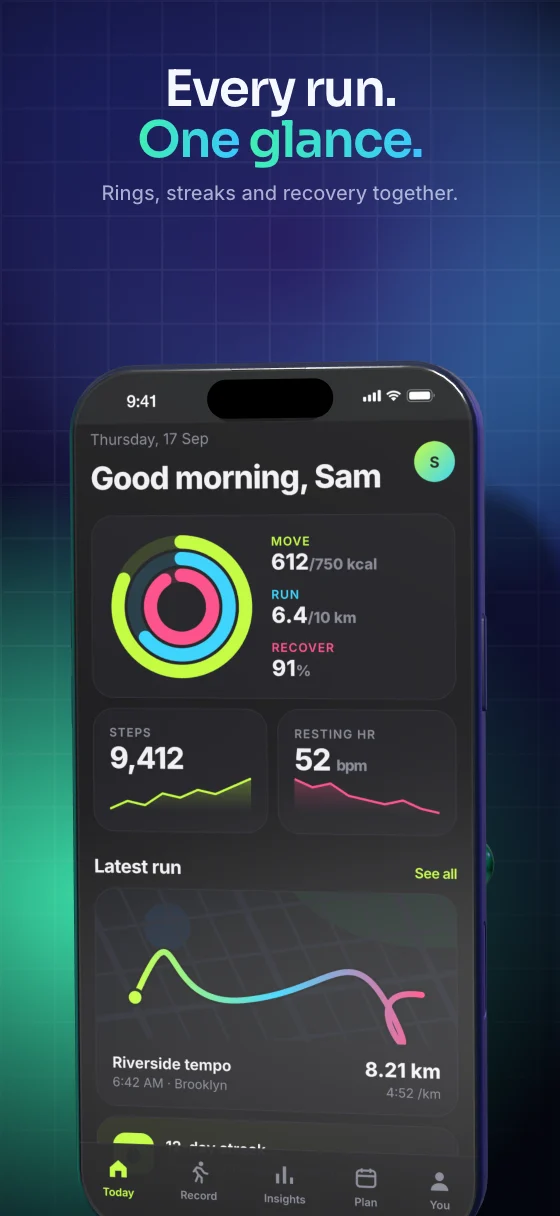 01 Every run. One glance.
 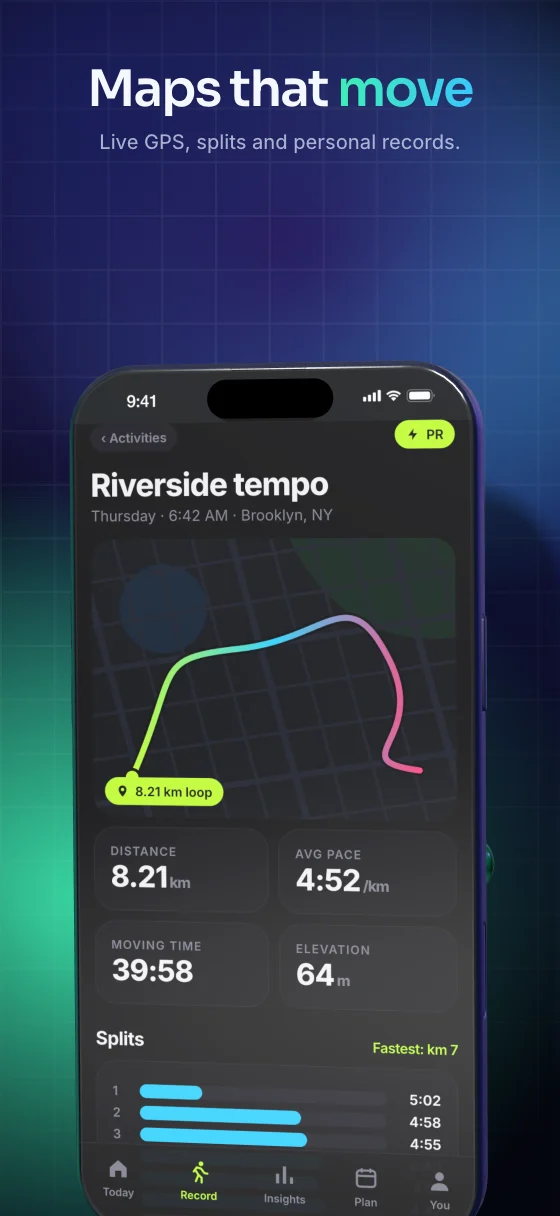 02 Maps that move
 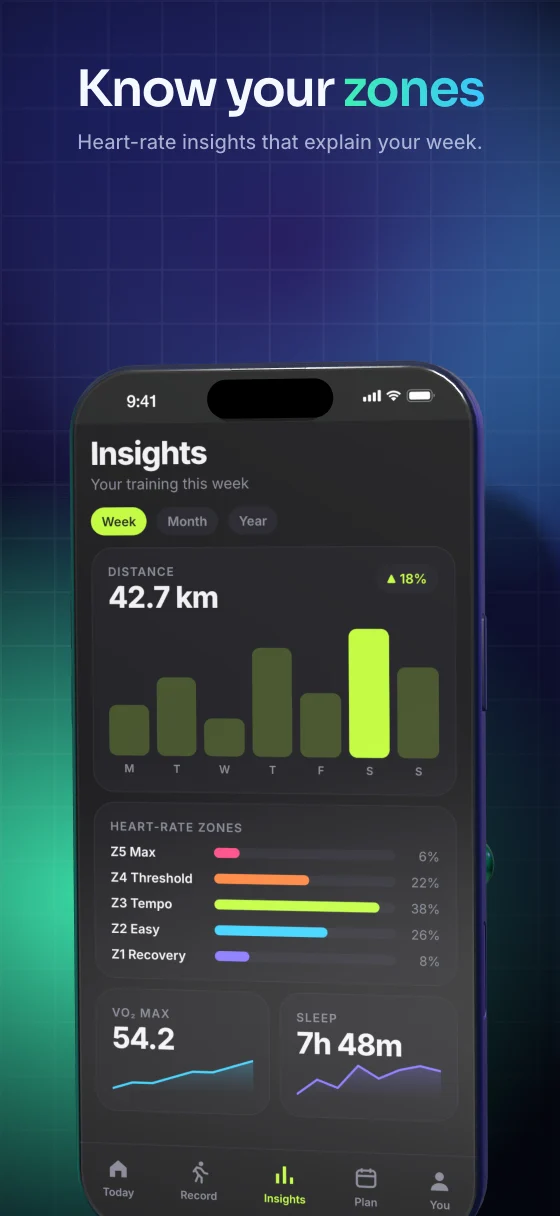 03 Know your zones
 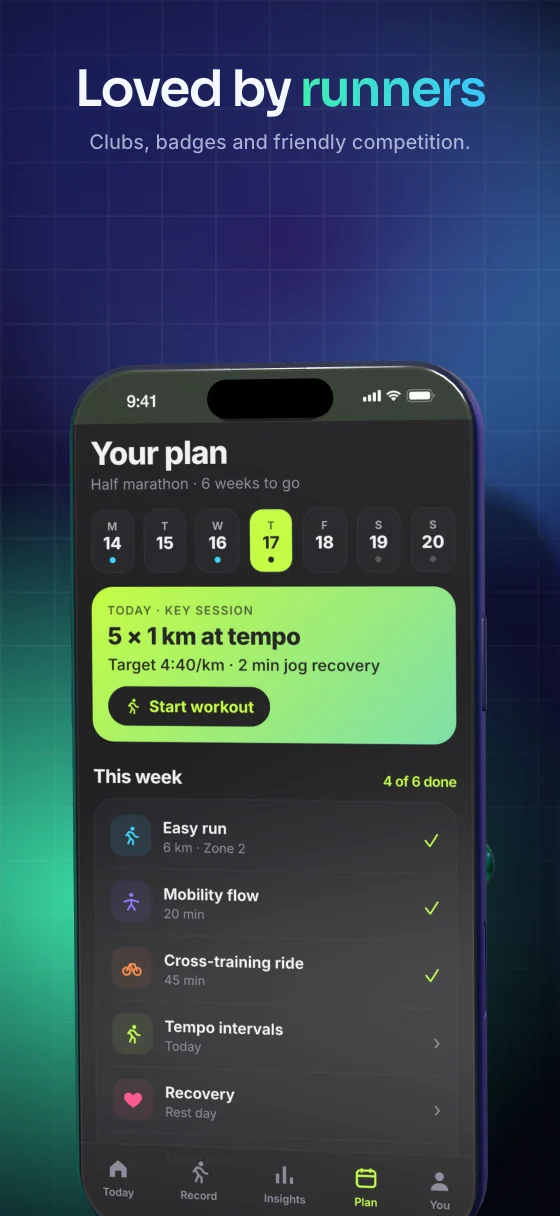 04 Loved by runners
 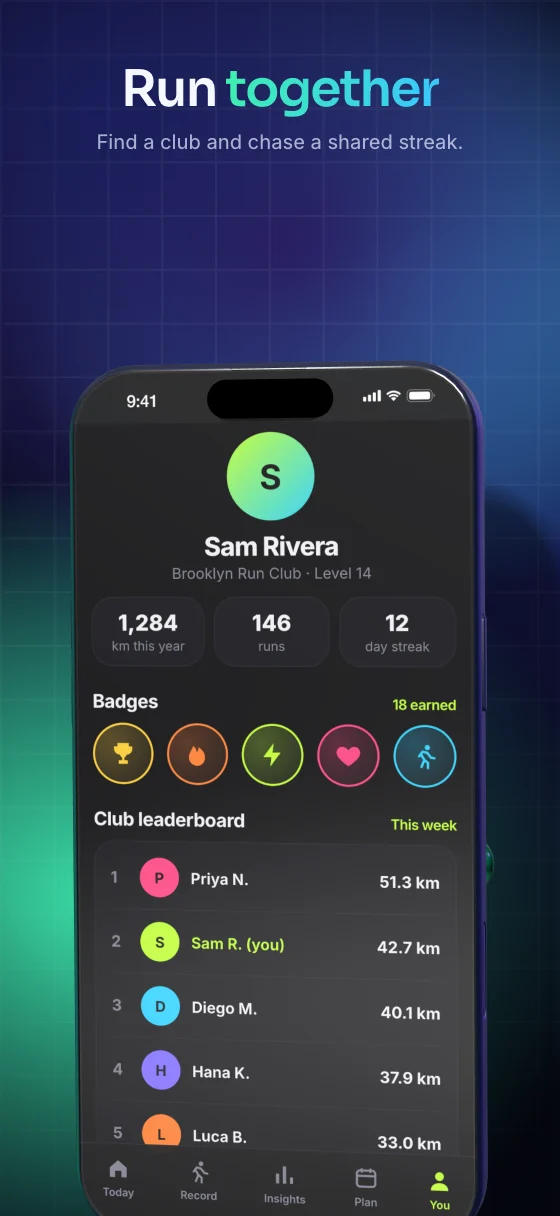 05 Run together
 Five slides, one command, rendered at 1320×2868 and 2064×2752.
The link preview, the launch post, the story, and the 1024×500 Play feature graphic. Seven layouts, from a tilted phone on an aurora to a bento grid of screen crops.
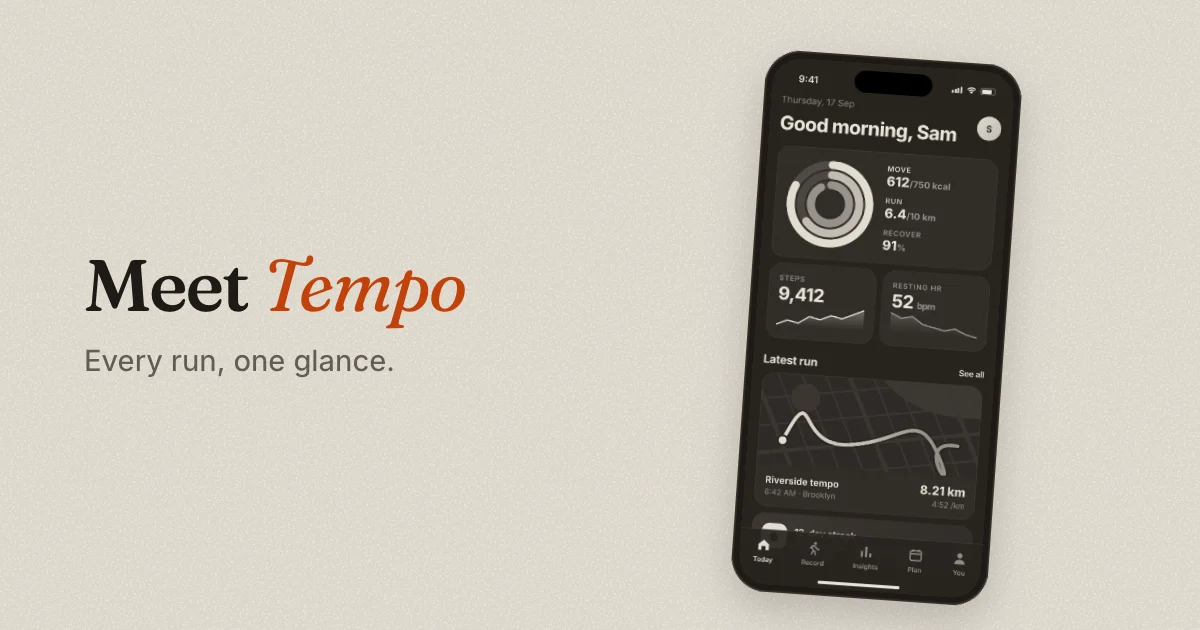
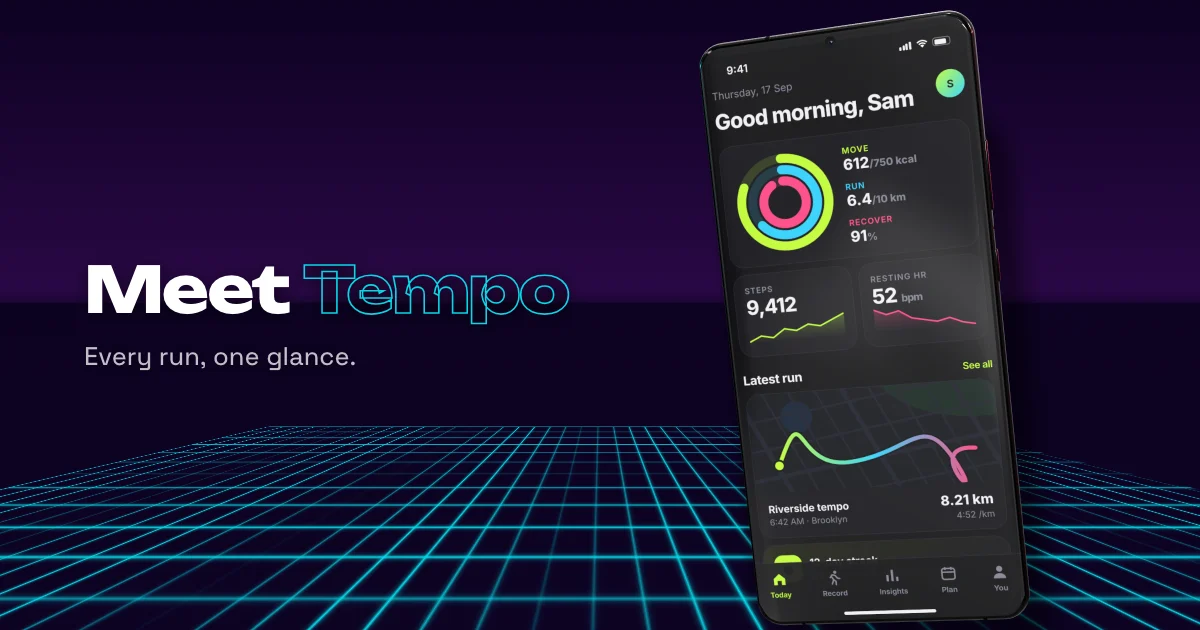
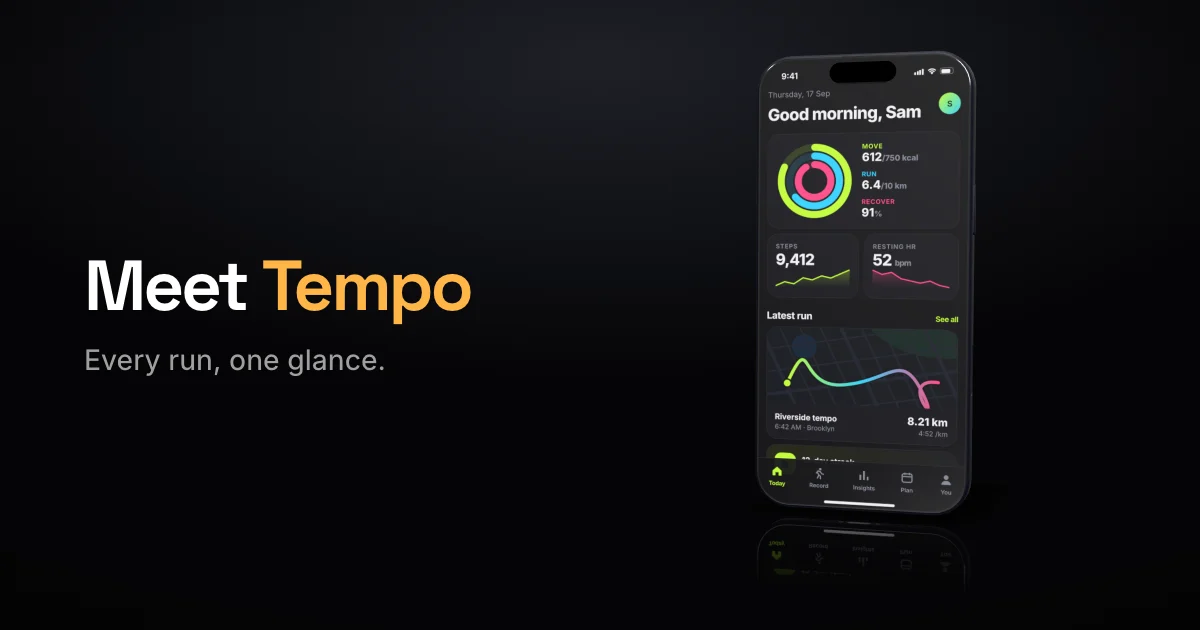
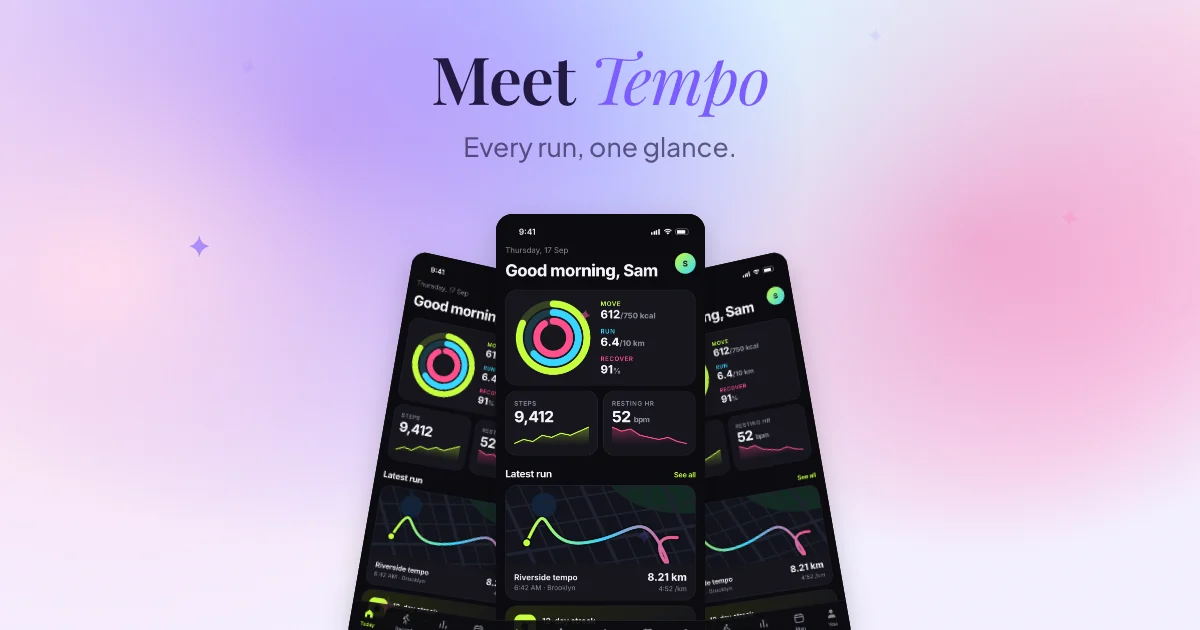
Hero images for a landing page or a press kit, rendered from real device models. Add
--transparent and you get a cut-out PNG to drop onto your own art.
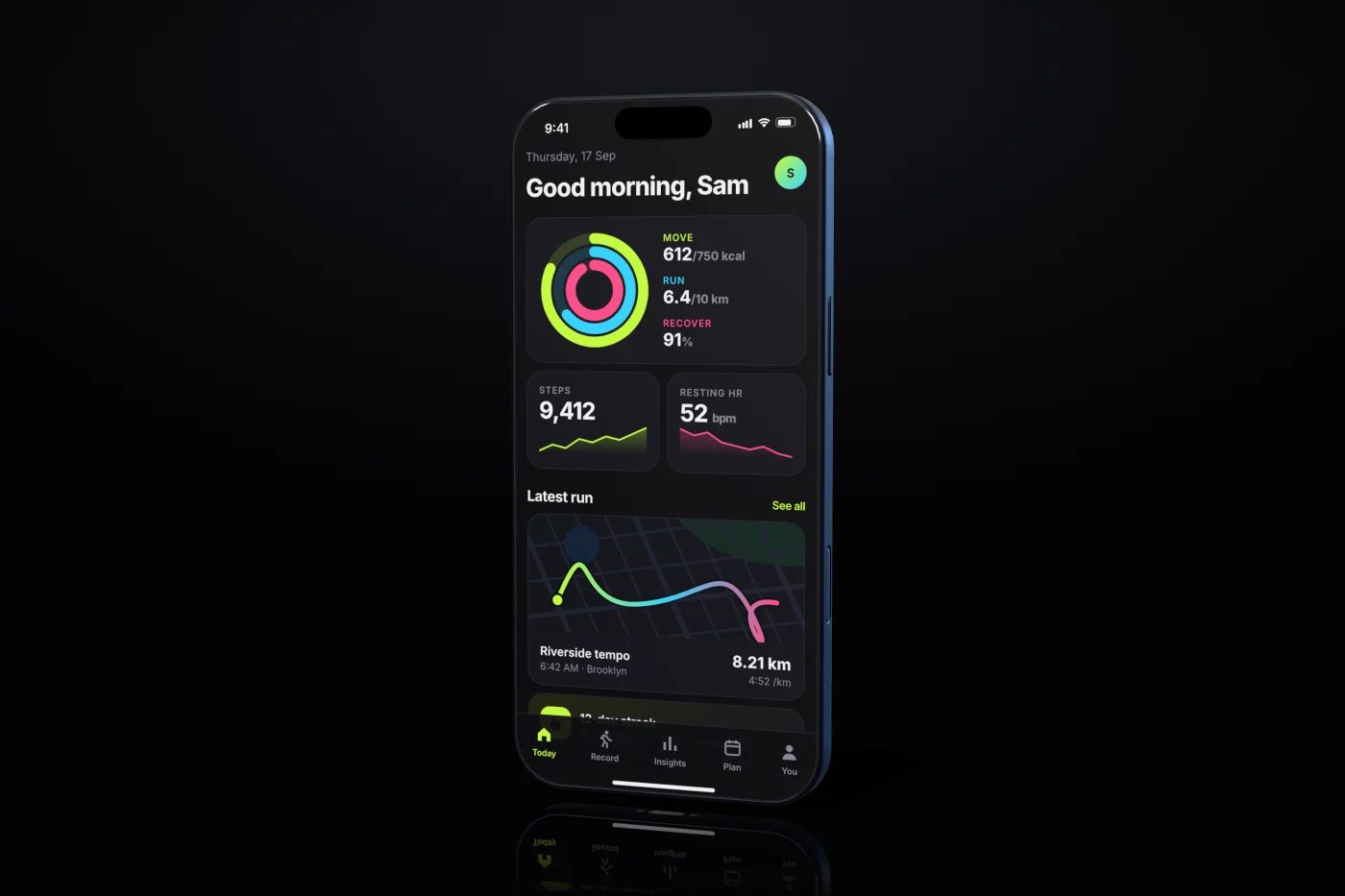
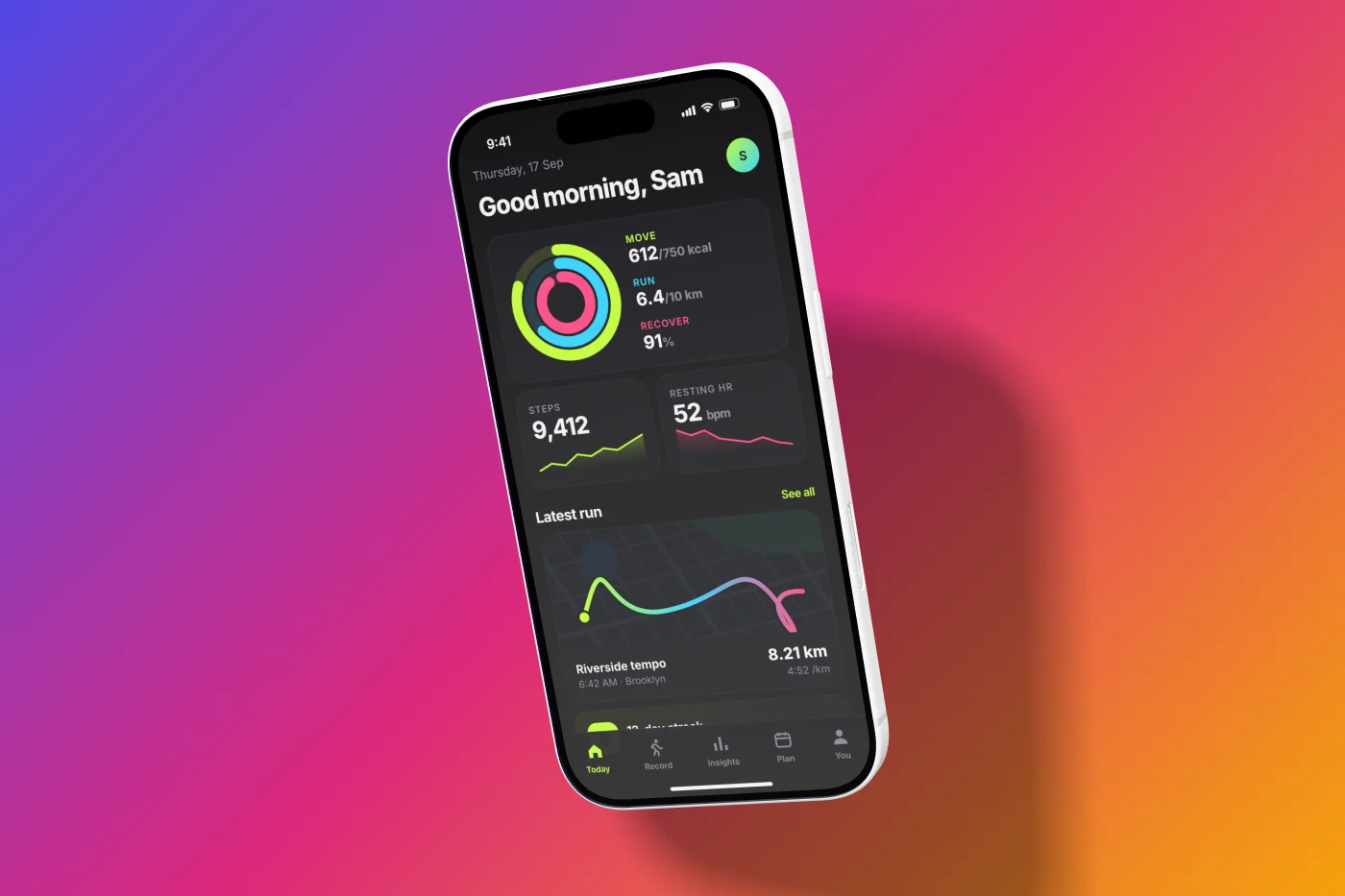
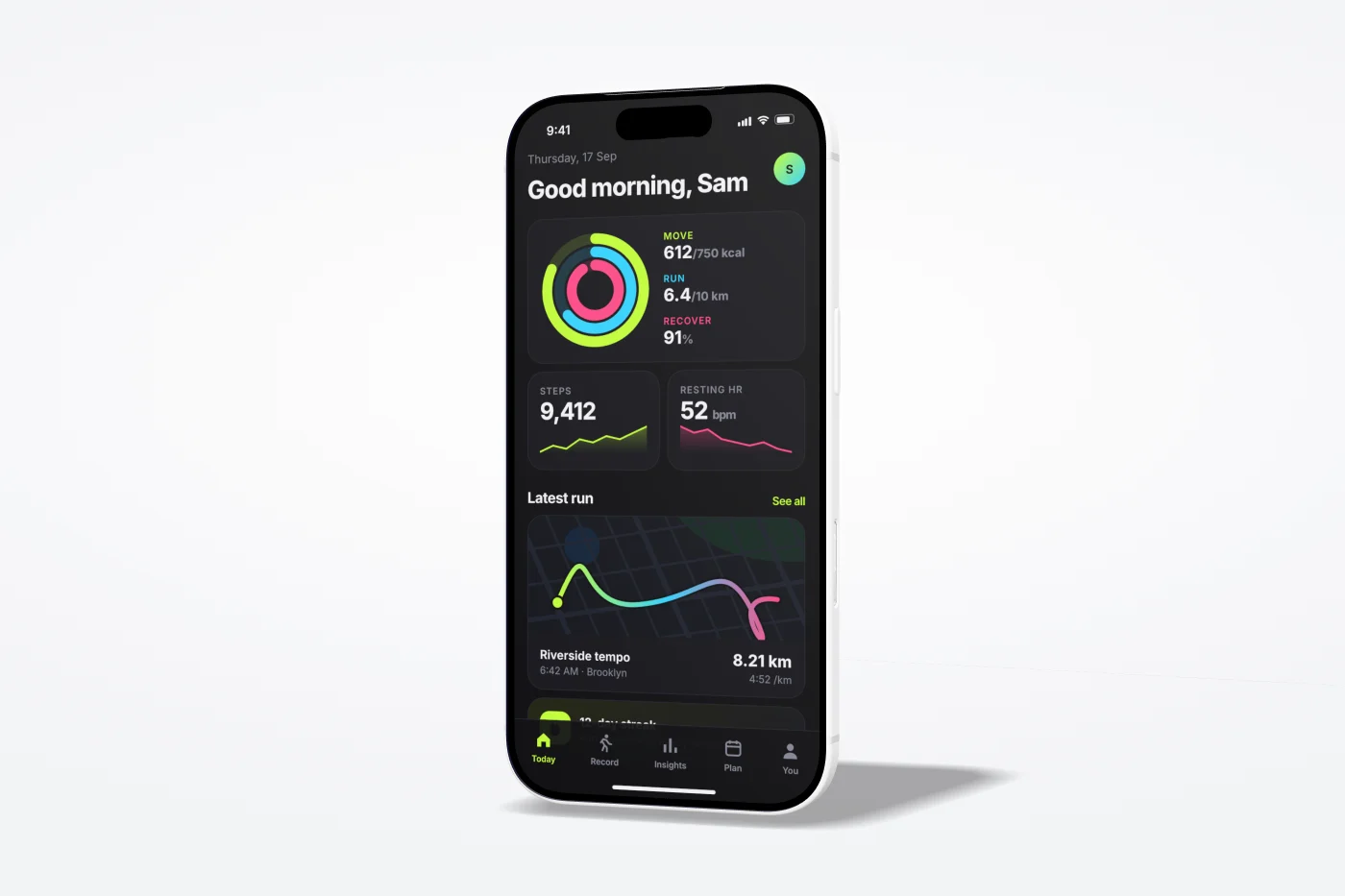
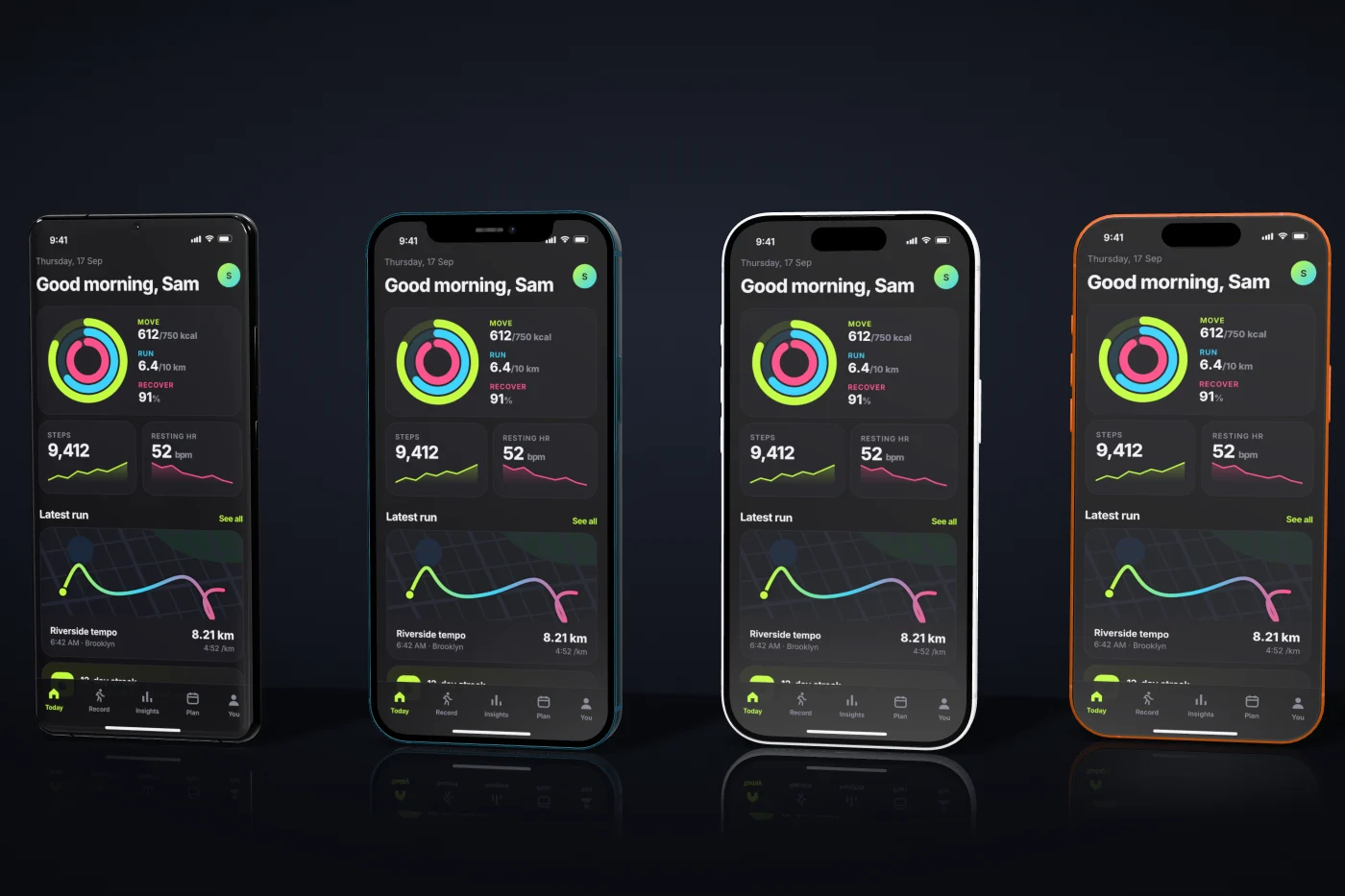
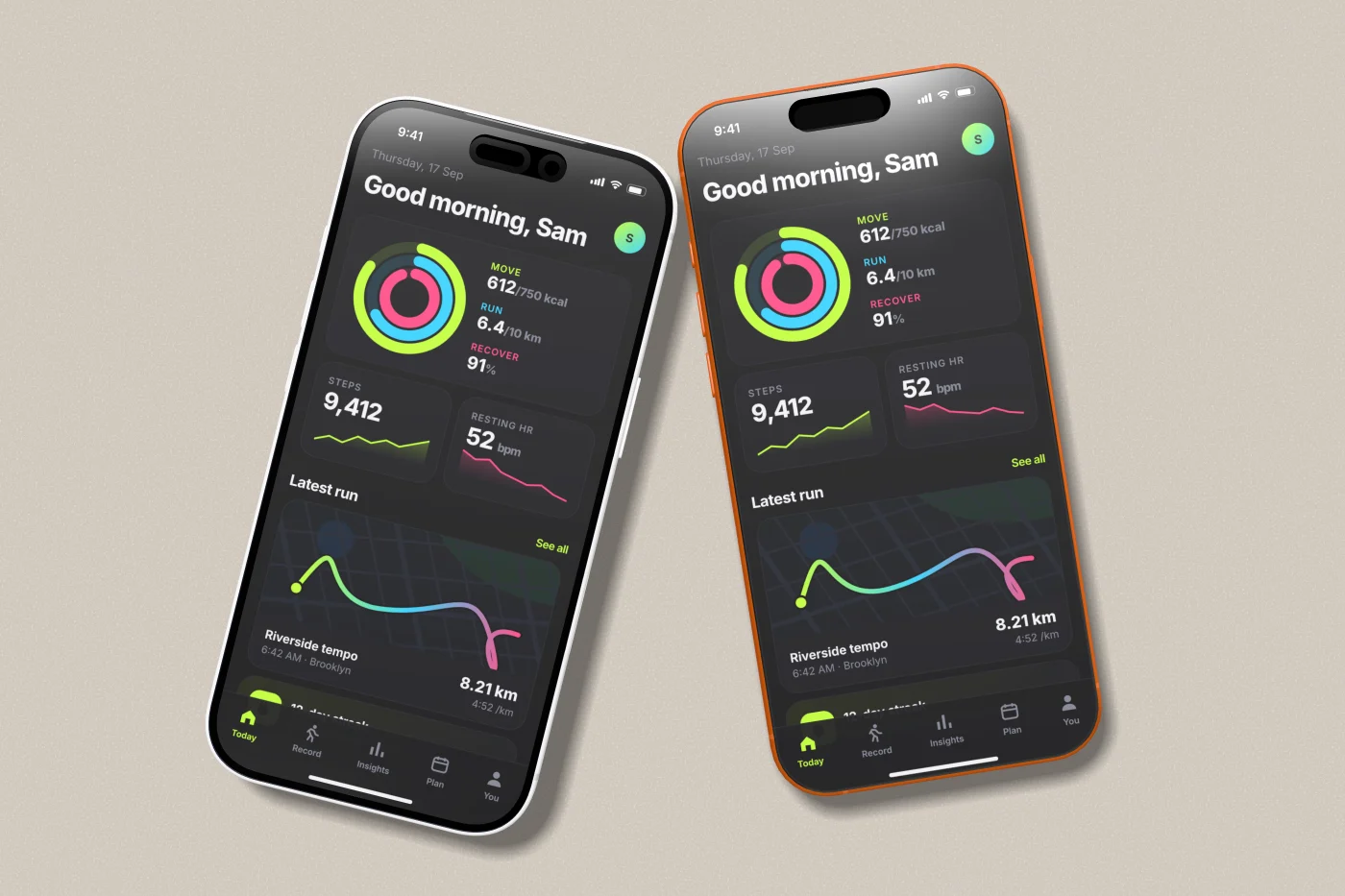
Every image below is the same PNG with the same headline. Only the theme changed. Each one is tuned to how apps in that App Store category actually present themselves — the mood, not anyone’s branding.
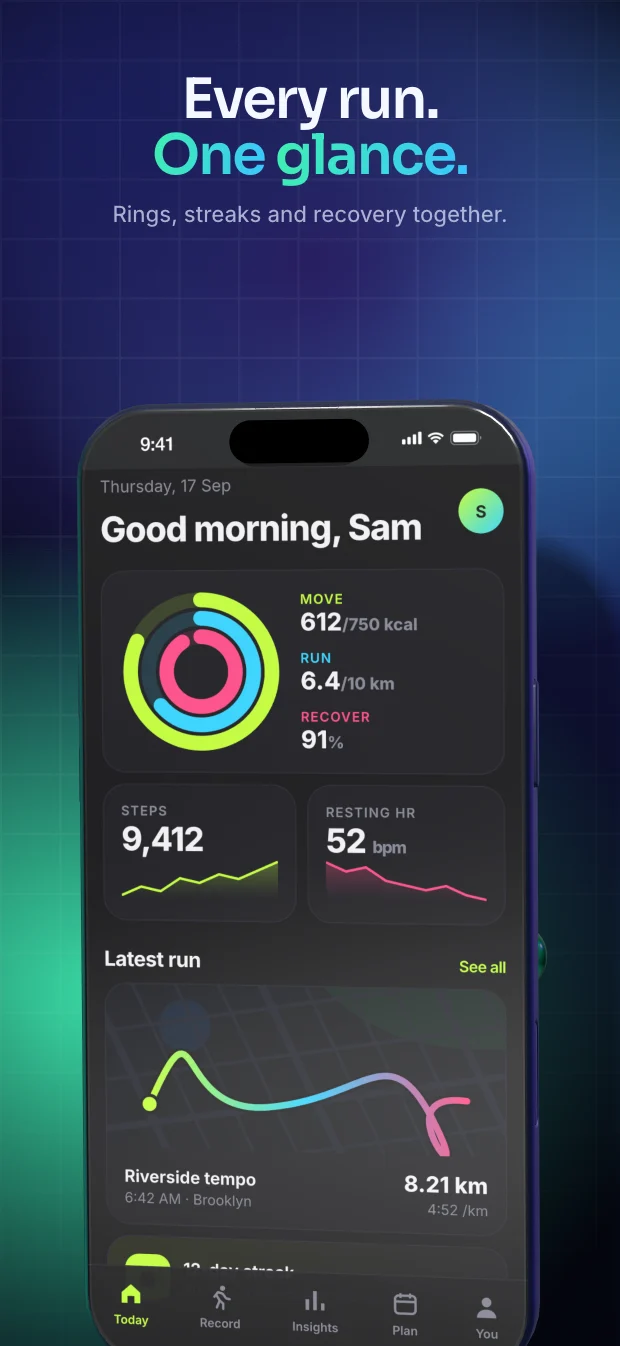
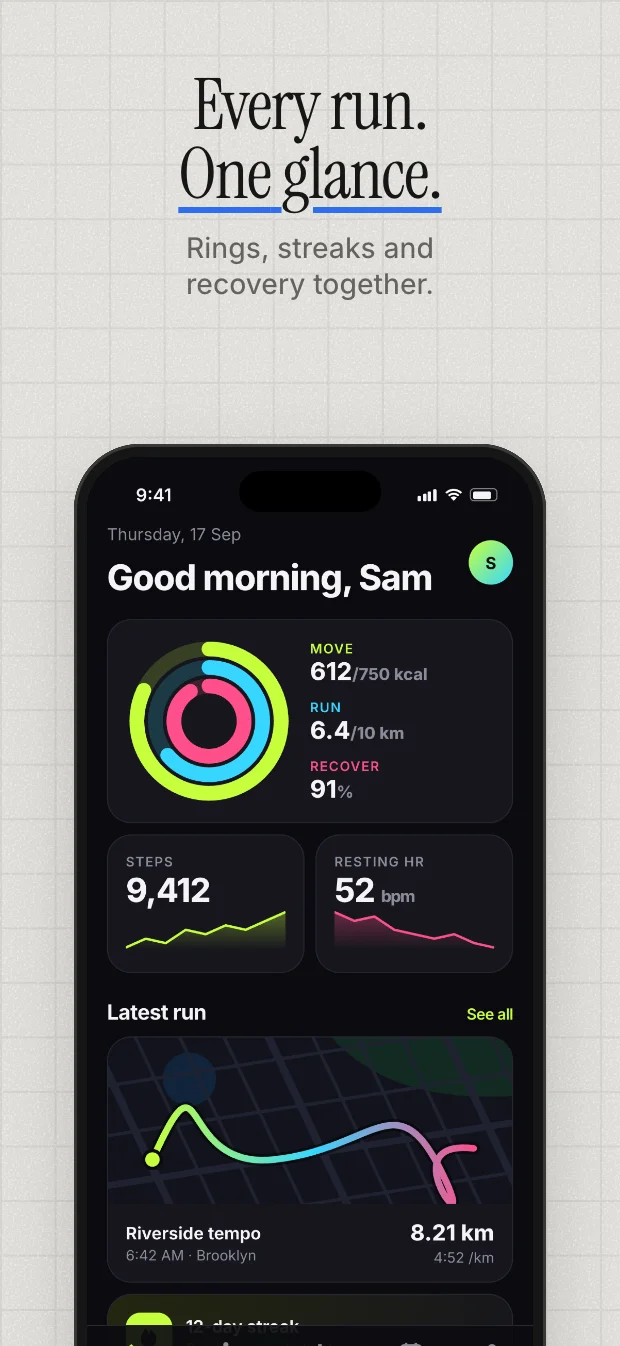
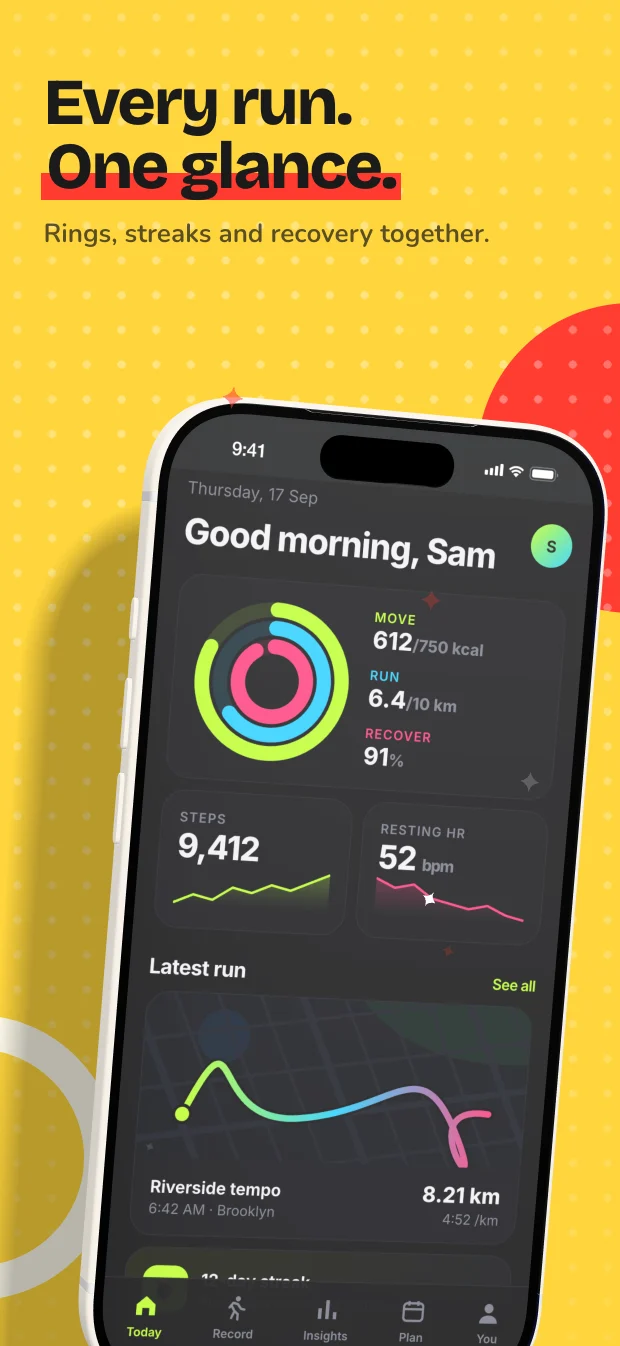
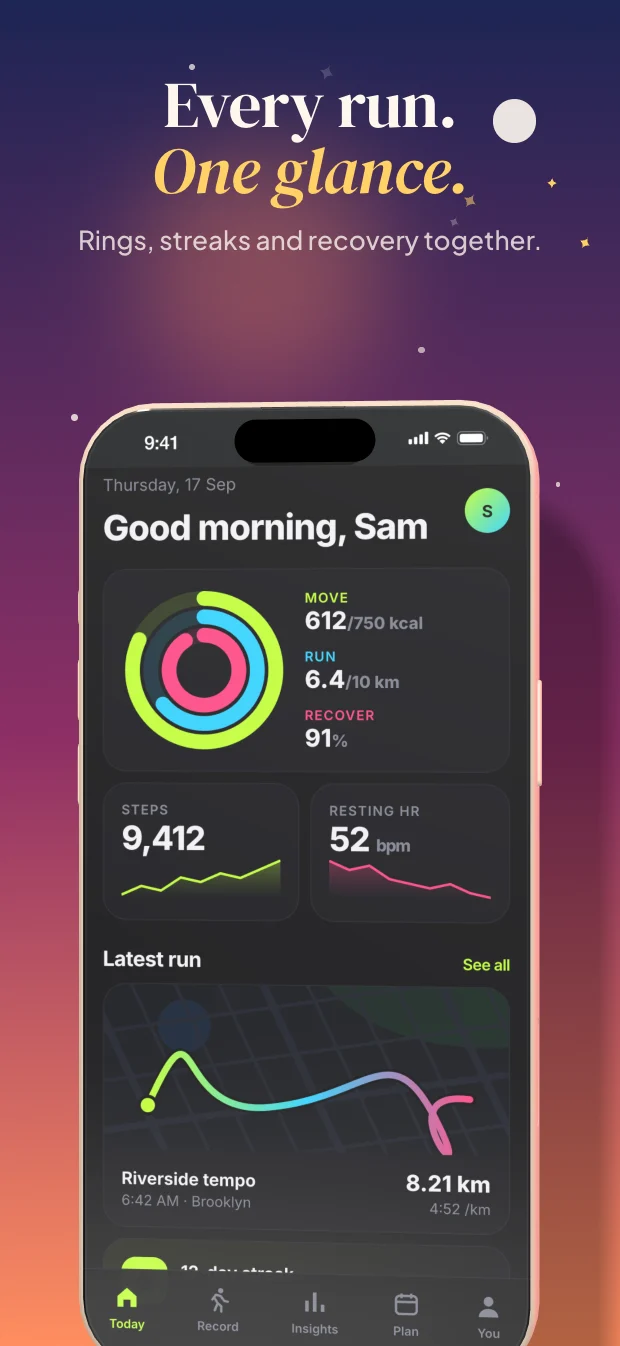
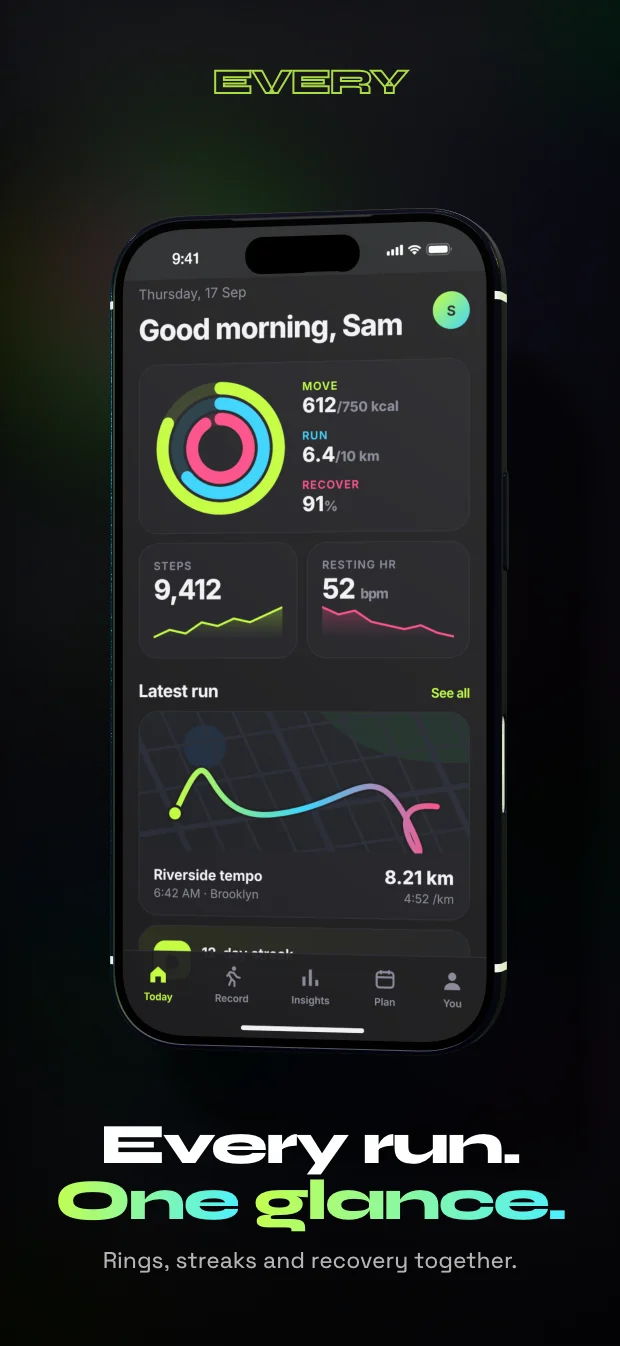
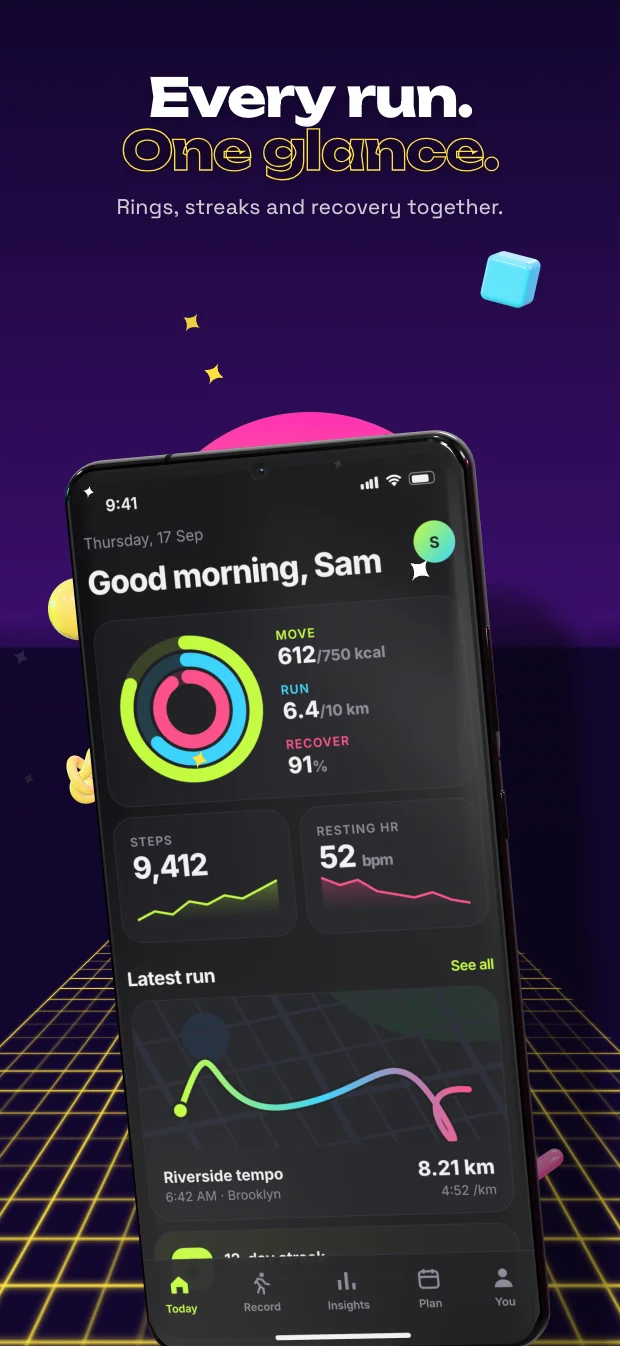
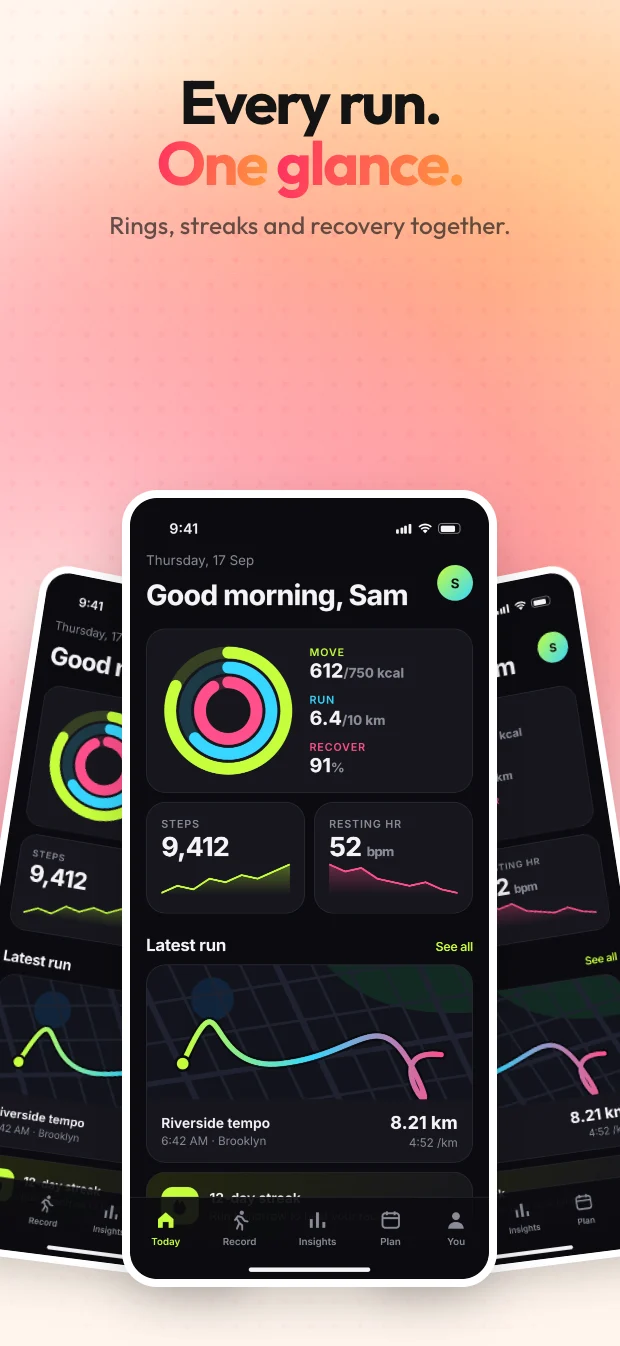
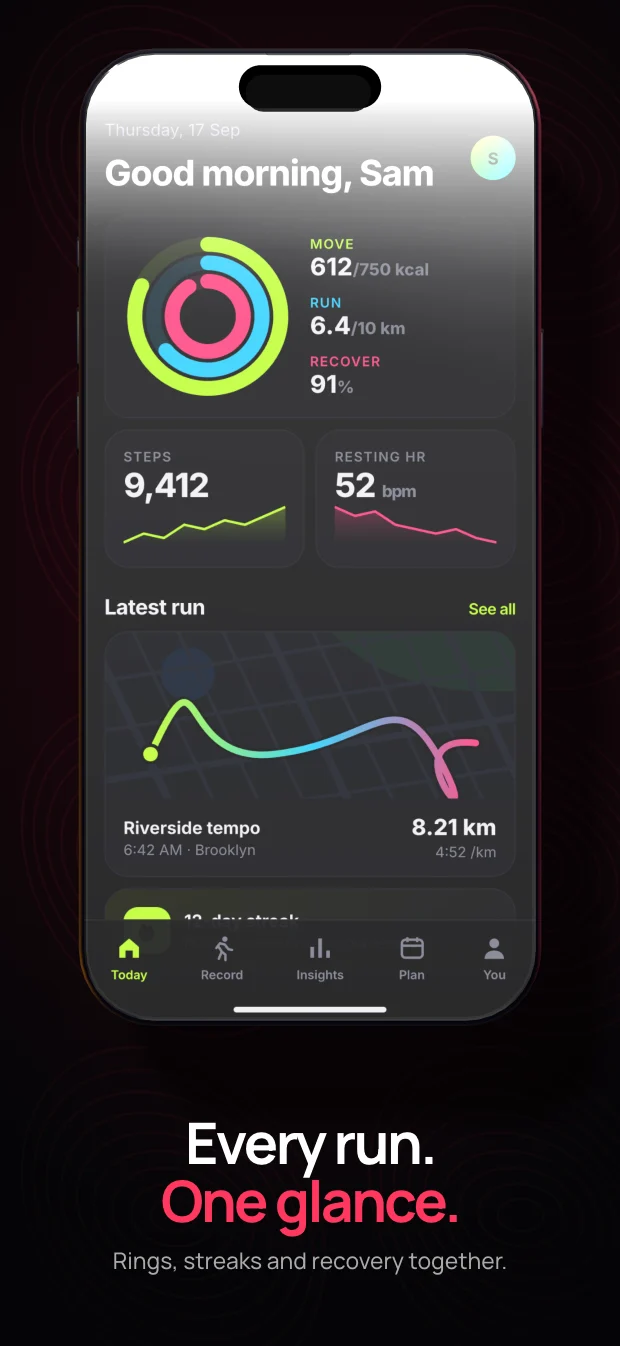
node $SKILL/scripts/cli.mjs app-store home.png --theme stride
Health & Fitness
Hot orange, condensed all-caps pills, speed stripes and a phone pitched off the vertical.
Every part of this is a value you can change — palette, type, device, pose, decor — from the command line or a theme file of your own.
three.js lights a real device model, headless Chrome captures it frame by frame and ffmpeg encodes it. About 15 to 20 frames a second at 1080p on an Apple-silicon GPU, straight to MP4, ProRes with alpha, WebM or GIF.
--transparent
Add music with --audio track.mp3, or pull PNG frames instead of a video with
--frames when you just want to check the motion.
There is no service behind this. Five local steps, each one a tool you probably already have on the machine.
Status bars redrawn to a clean 9:41, tints and duotones applied, tall captures kept whole for scrolling. Screen recordings are split into frames at the output frame rate.
sharpBackground, type, decor and device pose come from one theme file. On 3D themes a real device model is lit and turned so the screen still reads at thumbnail size.
three.jsEverything is one HTML stage, screenshotted at 2× supersampling for stills or frame by frame for video. The preview studio loads the very same stage, so nothing shifts between preview and export.
headless ChromeFrames are piped straight into the encoder — H.264, HEVC, ProRes 4444, VP9 or GIF — with the colour conversion handled and faststart set for the web.
ffmpegWritten to the directory you ran it from. Nothing is uploaded, nothing phones home, and a CREDITS.txt rides along whenever a 3D model appears.
your folderOne command opens a local editor on 127.0.0.1. Drop screenshots in, click a headline on the preview to rewrite it, drag the 3D device to turn it, and export when it looks right.
It loads the exact same renderer the command line uses, so the preview is the export. There is no separate preview path that can drift.
$SKILL is wherever you installed it — your agent finds it for you. Uploads stay in ./.app-preview-craft/uploads/, and exports land in the folder you started it from.
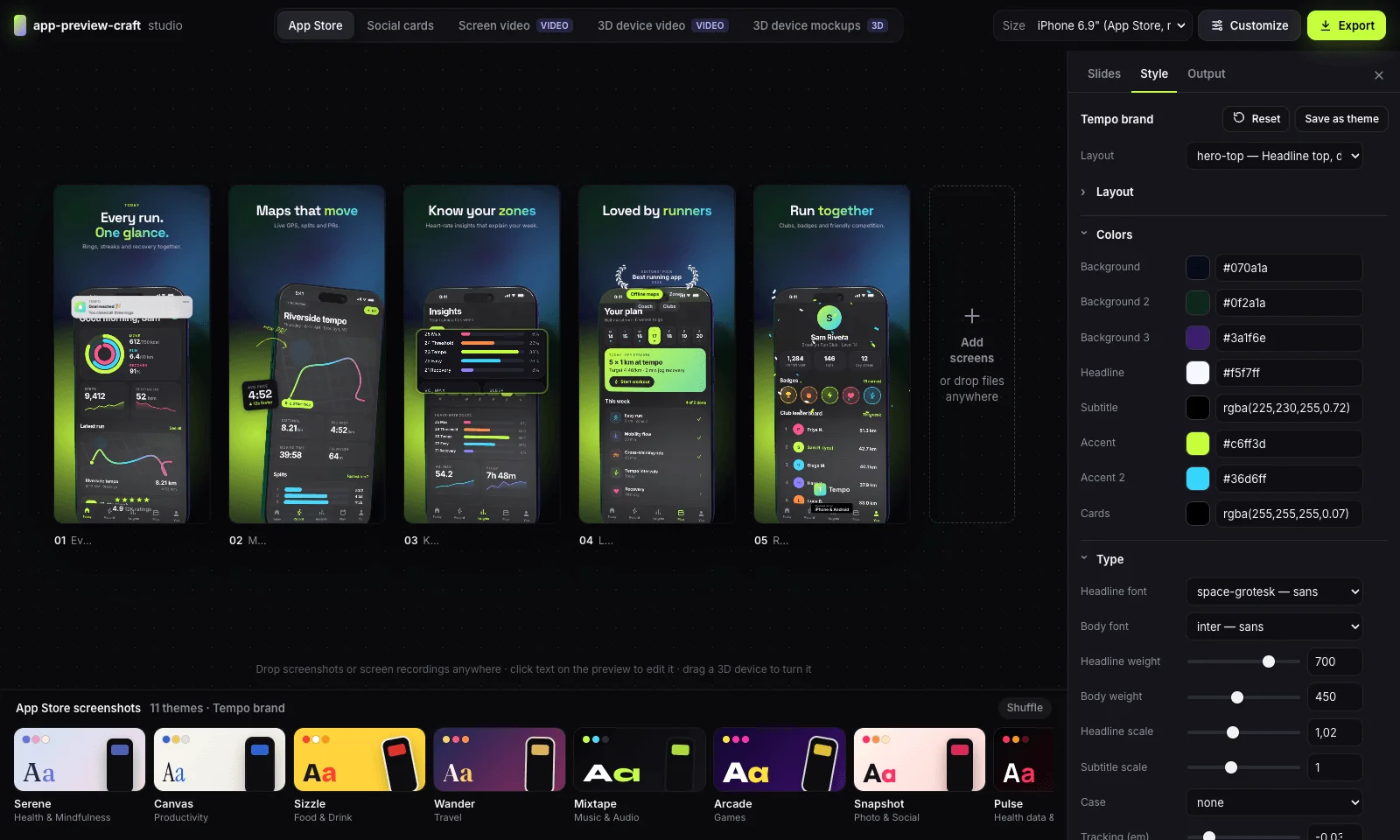
Installed as an agent skill, it reads the request and picks the category, theme, sizes and copy. It is also just a command-line tool, so you can skip the agent entirely.
It writes the headlines too, unless you supply them — one benefit per slide, short enough to survive a store thumbnail.
node $SKILL/scripts/cli.mjs app-store shots/*.png --theme ledger --size iphone-6.9,ipad-13 the required set, two sizes node $SKILL/scripts/cli.mjs device-video home.png demo.mov --theme turntable 3D showcase video node $SKILL/scripts/cli.mjs social-card home.png --theme launch --size og,x-post launch cards node $SKILL/scripts/cli.mjs screen-video flow.mp4 --theme store-preview --size app-preview an App Store preview video node $SKILL/scripts/cli.mjs gallery app-store render a sheet of every theme first node $SKILL/scripts/cli.mjs list options every property you can override
Any theme property can be overridden with --set path=value, a theme
file that extends a built-in, or a project config that renders every asset in one go.
No. app-preview-craft is MIT-licensed and runs on your own machine. There is no account, no seat, no export cap and no watermark. Install it once and it keeps working offline.
No. Rendering happens locally in headless Chrome. Your screenshots never leave the machine, which matters when the app has not shipped yet and the screens are under embargo.
Yes. It renders the 6.9" iPhone set and the 13" iPad set that Connect requires, plus the optional sizes, Google Play phone and tablet, and the 1024×500 Play feature graphic. App preview videos come out at 886×1920, 30 fps, with the silent audio track Connect expects.
Yes. Every theme property is overridable from the command line, or you can write a small JSON theme that extends a built-in one and set your own palette, fonts and device finish. A project config file can render a whole batch in one command.
They are Creative Commons BY 4.0 models from Sketchfab. You can publish the renders commercially as long as the attribution travels with them — the tool writes a CREDITS.txt next to every render that includes a device and embeds the credit in video metadata and PNG EXIF.
No. It is a normal Node command-line tool and it ships a local preview studio you can click around in. The agent skill is a convenience: it lets you ask in plain language instead of remembering flags.
Node 20 or newer, a Chromium-based browser for the renderer, and ffmpeg if you want video. On first run it installs its own packages and checks the machine.
As a plugin. Run each line as its own command.
Clone the built skill branch into your agent’s skills folder.
MIT licensed. Fork it, change the themes, ship your own. The 3D models stay CC‑BY‑4.0.